Lovable + Supabase in production: 12 things we fix before real users log in

- Published
- 15 November 2026
- Prices checked
- 15 November 2026
Before real users log in to a Lovable app on Supabase, we check who can read and write every table, close open sign-up, keep secret keys and heavy jobs off the browser, move the project into the client's own accounts and put schema changes in Git. Lovable's scan helps, but it can't prove a policy is right.
The 12 fixes at a glance
| # | Fix | What goes wrong without it | Where we hit it |
|---|---|---|---|
| 1 | Row Level Security on every table the browser can reach | Anyone with the public key can read or change the table | Our own shared Supabase project: one table had RLS off |
| 2 | Policies that check whose row it is | Any signed-in user can edit everything | Same project: a table any signed-in user could edit or delete |
| 3 | Close open sign-up, or require a confirmed email | Strangers make accounts, and "signed in" stops meaning "ours" | Same project: 3 accounts belonged to security testers |
| 4 | Delete test accounts, demo tables and dead apps, after a backup | Old data and loose policies stay exposed | Same project: 1,366 accounts and 10 tables removed |
| 5 | Heavy dashboard queries in views or SQL functions, with indexes | Pages slow down as data grows; a careless view skips RLS | Dental Call Hub: 20–40 ms pages |
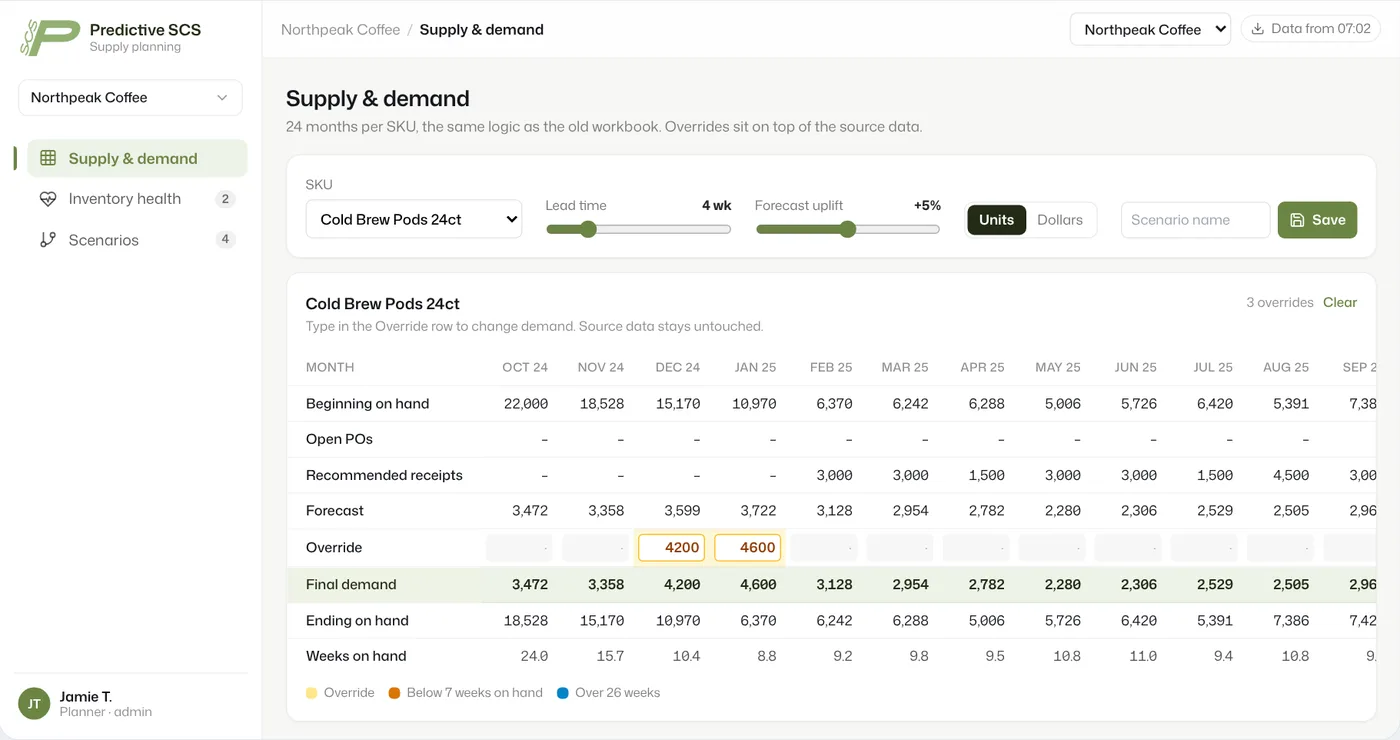
| 6 | Each company sees only its own rows | One client sees another client's data | Predictive SCS: 3–5 companies in one app |
| 7 | Private storage buckets | Files open to anyone with the link | Our Morning Portal: saved images go to a private bucket |
| 8 | Outside API keys on the server, never in the browser | Someone else runs up your AI bill | Kitchen visualizer: the image model is called from the pipeline |
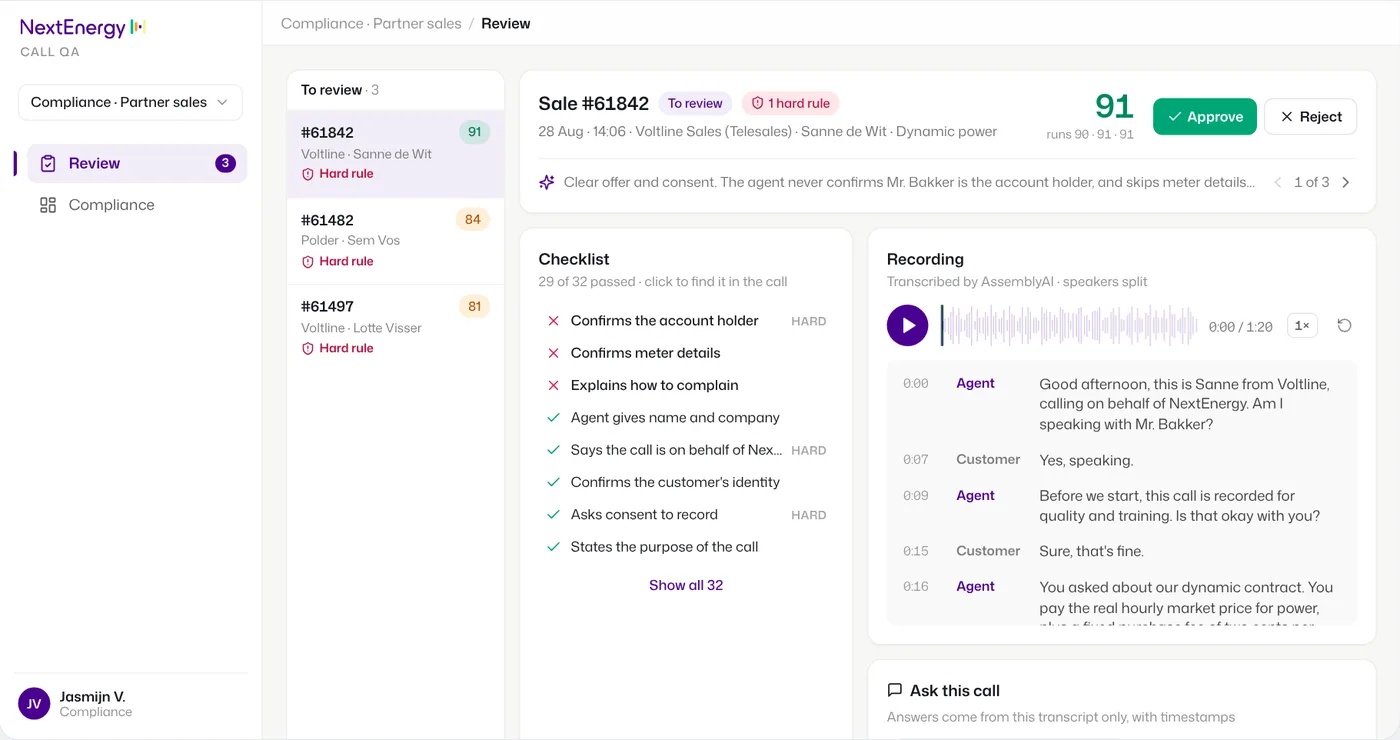
| 9 | Batch jobs outside the app | Timeouts and half-finished imports | NextEnergy and dental: pipelines write, the apps read |
| 10 | Schema changes as migrations in Git | No record of what changed, no way to rebuild | Our Morning Portal: numbered migrations in the repo |
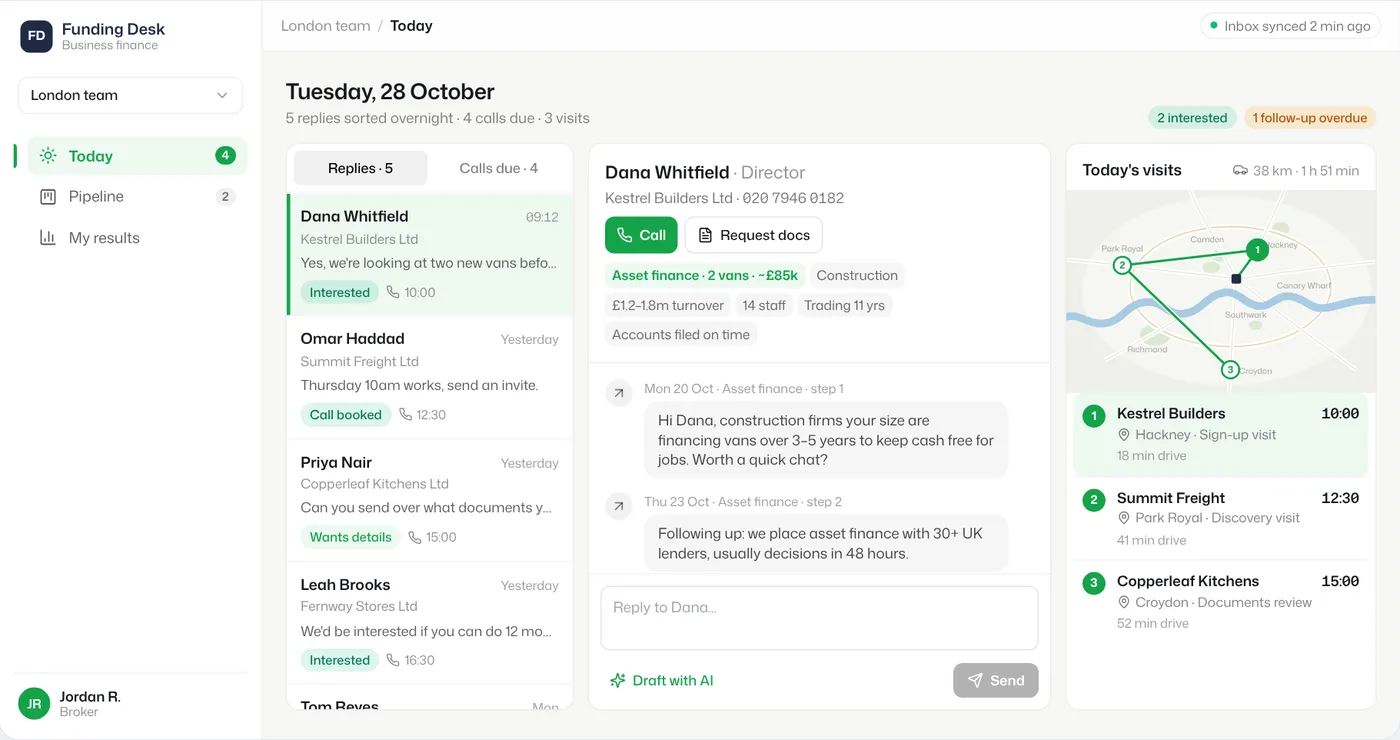
| 11 | The project in the client's own accounts | The client is locked out of their own app | UK broker: apps moved to the client's Vercel |
| 12 | Run the advisors and the scan, then read the policies yourself | A green check over a rule that lets everyone through | Atlas People: Security Advisor summary at go-live |
Swipe the table sideways for all columns. Each row traces to our own records: the audit of our shared Supabase project (October 2026), the case pages, and our internal tools. Checks we only know from the docs are listed separately below and not counted.
None of these are exotic. Most are a setting or a few lines of SQL. They get missed because a Lovable app works perfectly in the preview with all of them wrong. The preview has one user: you.
Why a Lovable app needs this before launch
A Lovable app talks to its database straight from the browser, using a public key that ships with the page. That is how Supabase is designed. The safety comes from Row Level Security: rules in the database that decide, row by row, who can read and write. Supabase's docs put it plainly: enable RLS on every table in an exposed schema (Supabase docs).
When those rules are missing or too loose, the public key opens the table. In March 2025 a researcher scanned 1,645 apps from Lovable's showcase and found 303 exposed endpoints across 170 of them, about 10%. Exposed data included emails, phone numbers, payment details and developers' API keys. On one site an attacker could insert a record marked as paid (Matt Palmer, CVE-2025-48757, published 29 May 2025).
Lovable has added checks since. On 15 November 2026 its docs said a quick scan runs on every publish and flags tables without per-record access control and rules that let everyone through. A deeper code scan runs on demand. The same page says these tools "cannot guarantee complete security" and do not replace a review (Lovable docs).
One more thing to know: Lovable Cloud, the default backend for new projects, is built on Supabase (Lovable docs). Everything below applies whether you connected your own Supabase project or not.
Fixes 1–4: who can get in, and what they can touch
The audit of our own shared Supabase project
AI runs on · No AI in this one. Supabase, shared by several of our own apps: the job engine, the Morning Portal, a family-research app and a movie library
In October 2026 we audited the Supabase project behind our own tools. It held 5 schemas and a 131 MB database, and it had collected apps since 2024, including old demos nobody used any more. Four findings:
- Sign-up was open with auto-confirm, so anyone could create a confirmed account with any email.
- One table's policy allowed any signed-in user to edit or delete rows. With open sign-up, that meant anyone.
- One table had RLS switched off, so the public key could read, write and delete it.
- 1,364 of 1,369 users were throwaway accounts an old demo app had created per visitor. Three more came from security testers.
The cleanup: sign-up off, the throwaway and tester accounts deleted, 10 dead tables dropped. Everything removed was backed up first to a private storage bucket.
Three security testers had found the open sign-up and made accounts before we looked. The audit is how we found out. Our own tools had the same gaps we fix in client apps, because nobody had run the checklist on them.
What we do on every client app:
- 1. Turn on RLS for every table in the public schema. With RLS on and no policy, the table is closed to the public key. Then open exactly what each screen needs.
- 2. Write policies against the row's owner. A rule like "the user is authenticated" is almost never enough. Compare the row's owner or company column with the signed-in user.
- 3. Decide who may sign up. For an internal tool, close sign-up and invite people. For a public app, require email confirmation and add a CAPTCHA, which Supabase supports on sign-up, sign-in and password reset.
- 4. Clean out before launch. Test users, seed data and tables from abandoned features. Back them up, then delete them.
Fixes 5–7: fast screens, separate tenants, private files
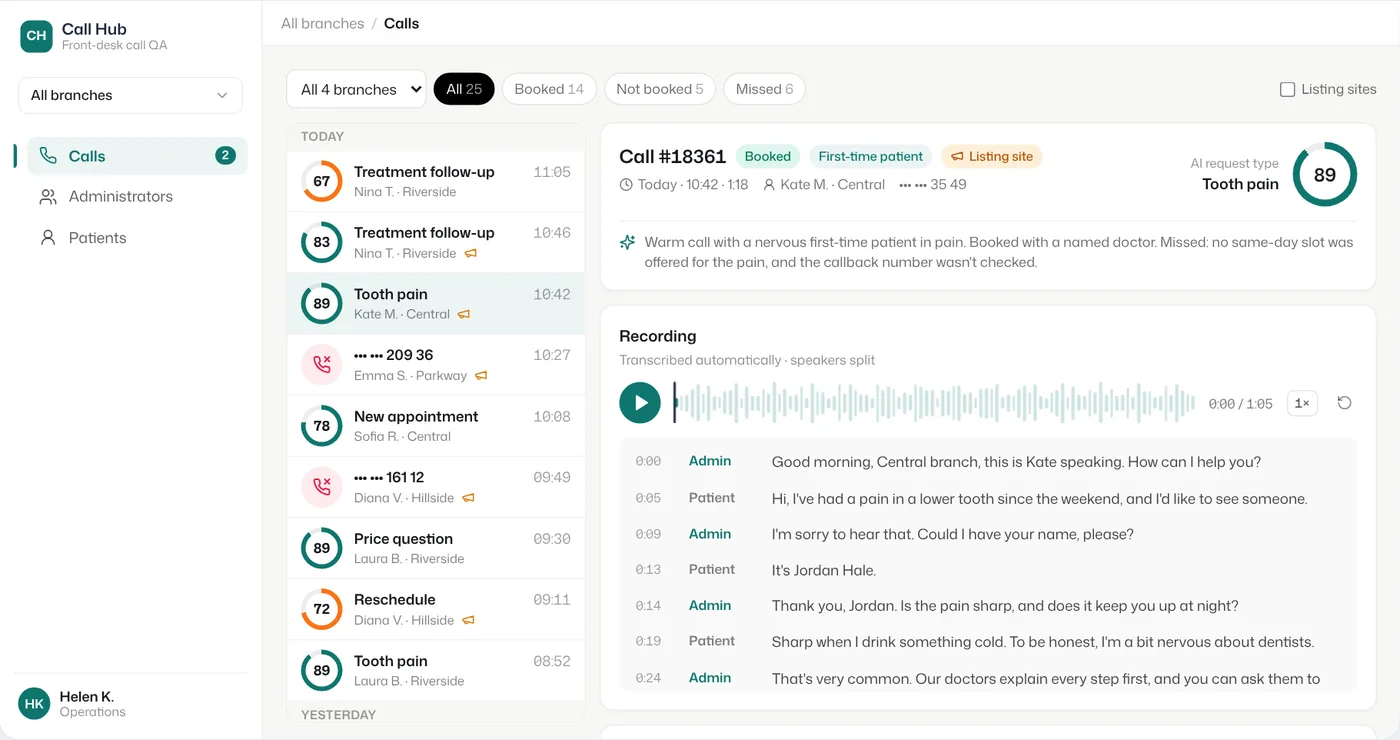
Call Hub for a four-branch dental network
AI runs on · React dashboard started in Lovable; Supabase with Postgres views, RLS and SQL functions; n8n and OpenAI GPT
The pipeline scores 1,200 front-desk calls a month on 18 criteria. Managers use the Call Hub to see every call, every administrator and each patient's call history across branches.
The counting happens in the database. Postgres views and SQL functions prepare the numbers for each page, and RLS limits who sees them. The front end only reads results. That keeps pages at 20–40 ms after about two years of daily use.
Two problems came from outside the app. The telephony API only answers requests from inside its own region, so we added a small relay server there. And calls from doctor-listing sites were mixed in with the rest; a badge and a SQL check for new listing numbers now separate them.
- 5. Move heavy queries into views or SQL functions, and index what policies filter on. Supabase's docs recommend an index on every column a policy filters on, and wrapping auth.uid() in a select so it runs once per query. One trap: views skip RLS by default because they're created by the postgres user. On Postgres 15 and later, create them with security_invoker = true so they follow the table's rules (Supabase docs).
- 6. Separate tenants in the database. When several client companies share one app, every row carries a company id and every policy checks it. The Predictive SCS planning app served 3–5 client companies, with admin-approved users tied to one company each.
- 7. Keep file buckets private. Use signed links for files a user should see. Our Morning Portal copies saved images into a private bucket instead of linking to the public originals.
Fixes 8–9: secret keys and heavy work stay off the browser
- 8. Keep outside API keys on the server. Anything in the browser can be read. In the 2025 scan, exposed data included Google Maps, Gemini and eBay keys. Supabase's own secret key (service_role) skips every RLS rule, and its docs say never to use it in the browser. On the kitchen visualizer, the browser never calls the image model. The pipeline does, and logs token use for every run. That's how we know each render costs about $0.138.
- 9. Run batch work outside the app. Imports, transcriptions and nightly syncs belong in a pipeline, a scheduled function or a small server. At NextEnergy, recordings arrive on FTP and a pipeline transcribes and checks each one against 30+ compliance criteria. The Lovable app on top only reads the results for 5,000+ calls. Nobody has to keep a browser tab open for the work to finish.
Fixes 10–12: change history, ownership, a second look
- 10. Make schema changes as migrations in Git. A table changed through a chat leaves no record. A numbered SQL file in the repo says what changed and when, and can rebuild the database from scratch. Our Morning Portal's schema lives in numbered migrations next to its code. Lovable's two-way GitHub sync makes this possible for a Lovable app too.
- 11. Put the project in the client's accounts. The Supabase organisation, the hosting and the domain should belong to the business, with us invited. Baltoro's Supabase sits in Baltoro's own organisation. The UK funding broker's two apps moved to the client's own Vercel team on 24 October 2026.
- 12. Run the checks, then read the rules yourself. Supabase's Security Advisor emails a summary of what it finds. Atlas People forwarded us theirs when the backend went live, in January 2025. Lovable's scan runs on every publish. Both are a starting list. The 2025 disclosure found that Lovable's scanner at the time checked whether a policy existed, not whether it was right. Only a person reading the policy against the screens can tell.
Supabase settings to check before launch
| Setting | Default | What we change, and why |
|---|---|---|
| Plan | Free: 500 MB database, 2 active projects, paused after 1 week without activity, no automatic backups | Pro from $25 a month: daily backups kept 7 days, $10 of compute credits included |
| Auth emails | Built-in sender, 2 emails an hour | Your own SMTP provider, so sign-up and reset emails arrive |
| Sign-up abuse | No CAPTCHA | CAPTCHA on sign-up, sign-in and password reset for public apps |
| Recovery | Daily backups on Pro | Point-in-time recovery once the database passes about 4 GB: $100 a month per 7 days kept |
| Lovable Cloud billing | Paid from your Lovable credit balance | Watch the project usage page; most small apps stay inside the grant |
Swipe the table sideways for all columns. From Supabase pricing, Supabase's production checklist, Lovable pricing and Lovable Cloud docs, last checked 15 November 2026.
When not to put a Lovable app in front of real users
- Money moves through it, and nobody has reviewed the rules. Payments, payouts, refunds. In the 2025 case, a writable table let a stranger mark an order as paid.
- It holds health, legal or financial records. Lovable's own docs say apps with sensitive data need an additional professional security review. Get one.
- The logic is mostly background work. If the screens are 20% of the app and the jobs are 80%, start in code.
- Nobody will own it after launch. A database with no owner drifts. Someone has to read the advisor emails.
The code path is short. Connect GitHub in Lovable, clone the repo and keep working in Claude Code, with migrations and jobs in the same repo. If the app runs on Lovable Cloud, moving to your own Supabase project is an export and restore plus new storage, logins and secrets; Lovable doesn't do it in one step. We compare the two tools in Lovable vs Claude Code.
Questions people ask
- Is Lovable safe for production?
It can be. The app code is a normal React app. The risk sits in the database rules: a Lovable app reads Supabase straight from the browser, so every table needs Row Level Security and policies that check whose row it is. Run Lovable's scan, then have someone read the policies before real users log in.
- Does Lovable use Supabase?
Yes. Lovable Cloud, the built-in backend that is on by default, is built on Supabase. You can also connect your own Supabase project instead. Either way, the same rules about RLS, keys and backups apply.
- Is Supabase free for a production app?
The Free plan works for testing, but on 15 November 2026 it paused projects after a week without activity and had no automatic backups. For real users we use Pro, from $25 a month, which includes daily backups kept for 7 days.
- Is the Supabase anon key safe to put in the browser?
The public (anon or publishable) key is meant to be in the browser, but only if Row Level Security is on for every exposed table. Without it, the key opens the table. The service_role secret key bypasses RLS and must never reach the browser.
- What is Row Level Security in Supabase?
Rules inside Postgres that decide, row by row, who can read, insert, update or delete. With RLS on and no policy, nobody using the public key can touch the table. You then add policies, for example: a user can read rows where the owner column matches their user id.
- Can I move from Lovable Cloud to my own Supabase project?
Yes, by hand. Lovable's docs say there is no one-step move: you export the database, restore it into your project, move the storage files, and set up logins, secrets and outside services again. Moving the other way, from Supabase into Lovable Cloud, isn't supported.
SOURCES
- 1.Statement on CVE-2025-48757 (Matt Palmer, 29 May 2025) · checked 15 November 2026
- 2.Lovable security checks (docs.lovable.dev) · checked 15 November 2026
- 3.Lovable Cloud (docs.lovable.dev) · checked 15 November 2026
- 4.Lovable pricing (lovable.dev) · checked 15 November 2026
- 5.Row Level Security (Supabase docs) · checked 15 November 2026
- 6.Production checklist (Supabase docs) · checked 15 November 2026
- 7.Supabase pricing (supabase.com) · checked 15 November 2026
- 8.Case: front-desk call QA for a dental clinic network · checked 15 November 2026
- 9.Case: NextEnergy call compliance scoring · checked 15 November 2026
- 10.Case: lead engine and revenue-ops app for a UK funding broker · checked 15 November 2026
- 11.Case: Predictive SCS planning app · checked 15 November 2026
- 12.Case: AI kitchen visualizer for a US design firm · checked 15 November 2026
Drafted with Claude from our project records; checked and edited by Mark.